XPress Pay - Web Redesign
A web experience for XPress Wallet, focused on clear navigation and key wallet workflows.
Role
Duration
Tools
Team

Project Overview
XPress Wallet is a web-based wallet platform that allows users to manage their funds, linked bank accounts, cards, and money transfers.
I worked on the web experience, focusing on the main wallet flows and making the interface clear and consistent across different sections.
Problem Statement
The wallet web experience included several important workflows, such as managing bank accounts, sending and requesting money, transfers, exchanges, and notifications. The main challenge was to organize these flows in a clear and consistent way so users could easily find and complete the actions they needed.
• Multiple wallet workflows needed a clear structure
• Navigation and information hierarchy needed to be consistent
• Key actions such as send, request, transfer, and exchange needed clear paths
• Different account and settings areas needed consistent UI patterns
Research & Discovery
I reviewed the existing wallet workflows, screens, and product requirements to understand how the main areas of the web experience were structured. I also worked with the CTO and development team to clarify requirements and understand how different workflows connected to each other.
Key Findings
• The wallet included several connected workflows such as transfers, payments, bank accounts, and requests
• Navigation needed a clear structure across different sections
• Important actions needed to be easier to find and follow
• Consistent UI patterns were needed across the different wallet screens
Design Exploration
I explored different ways to organize the wallet workflows and screen structure based on the product requirements. I reviewed the options with the CTO and development team and refined the direction before moving into the final UI design.

Wallet User Flow
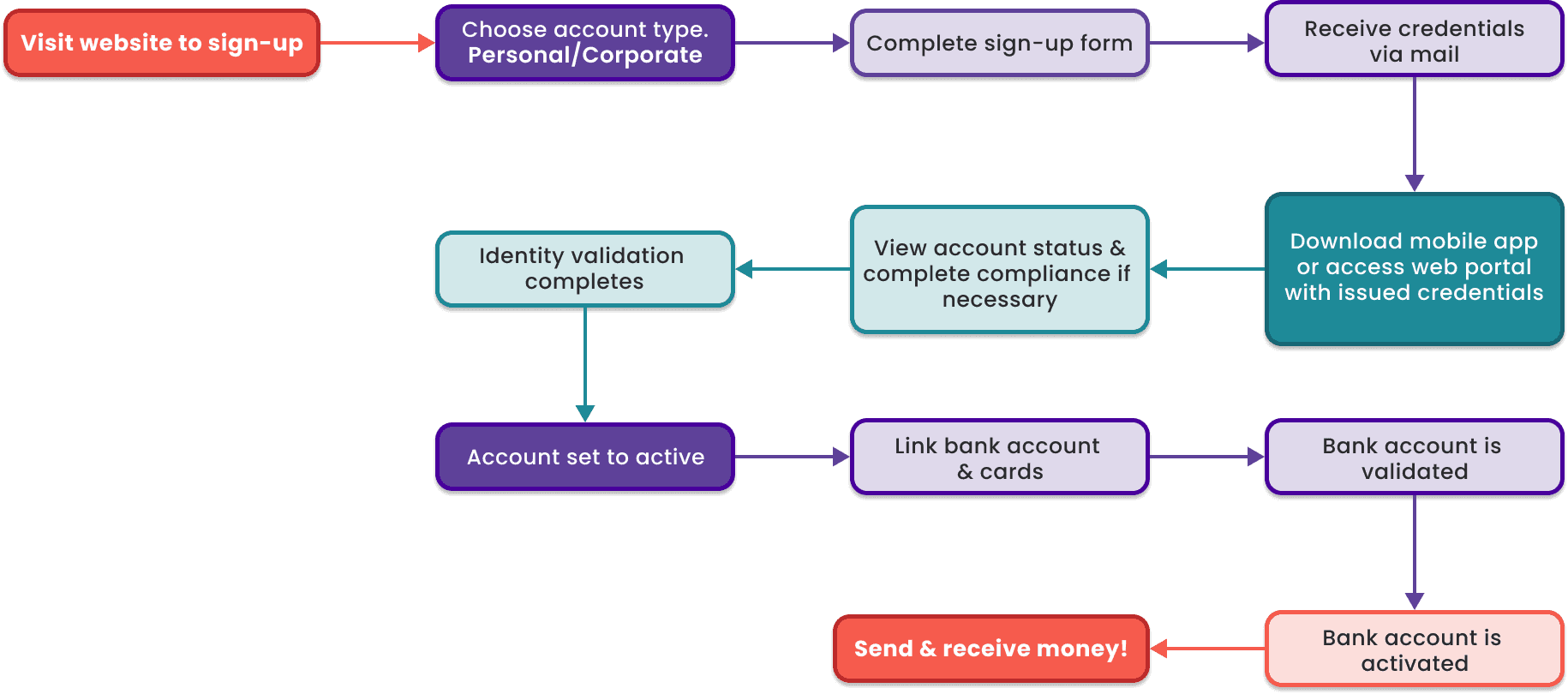
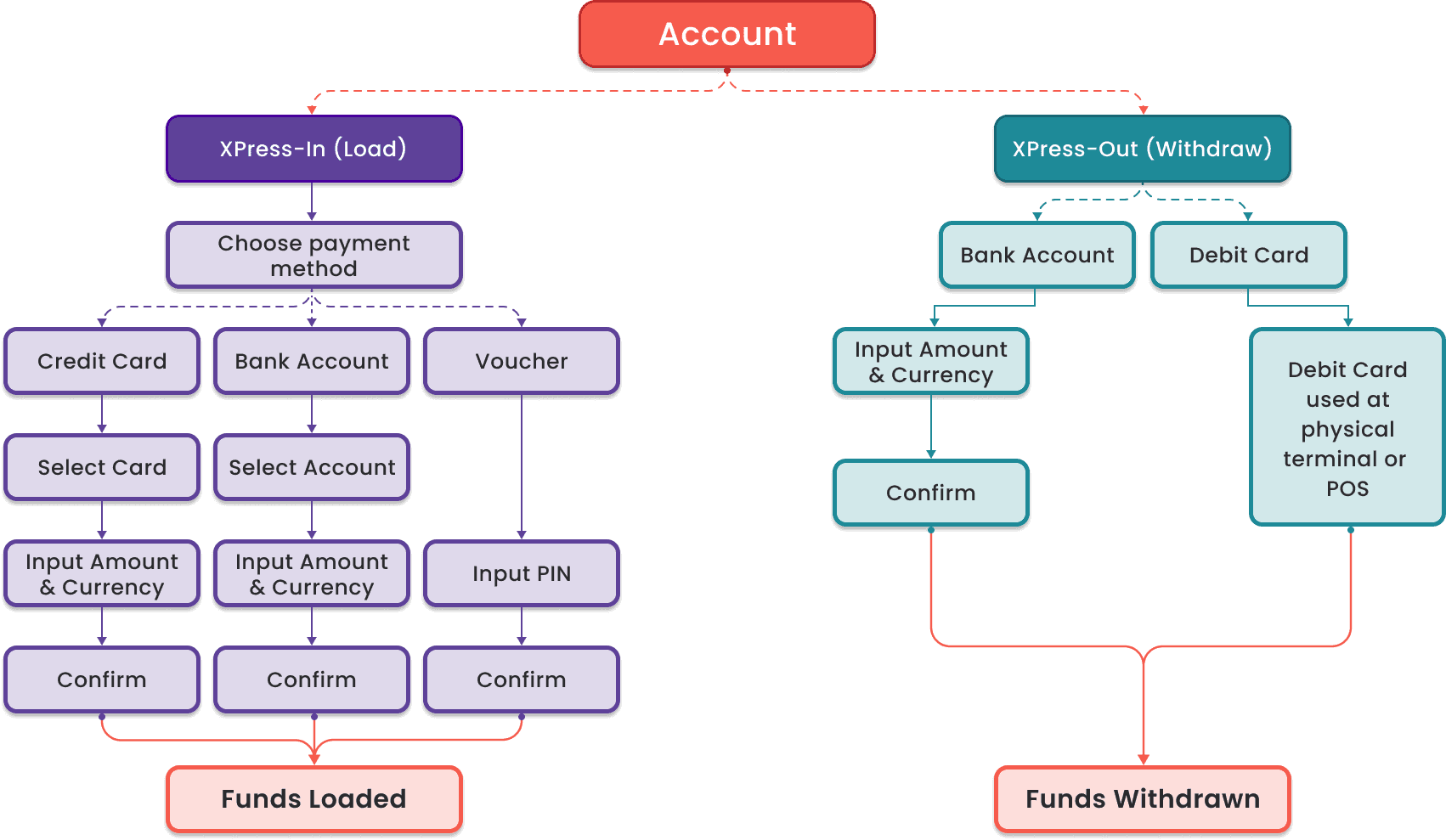
I mapped the key wallet workflows to understand how users move through the platform and where different actions connect. The flow focused on core activities such as managing accounts, funding the wallet, sending and withdrawing money, and reviewing transactions.
• Account setup and management
• Adding and managing linked bank accounts
• Funding and withdrawing from the wallet
• Sending and requesting money
• Reviewing transaction details and activity

Wireframing
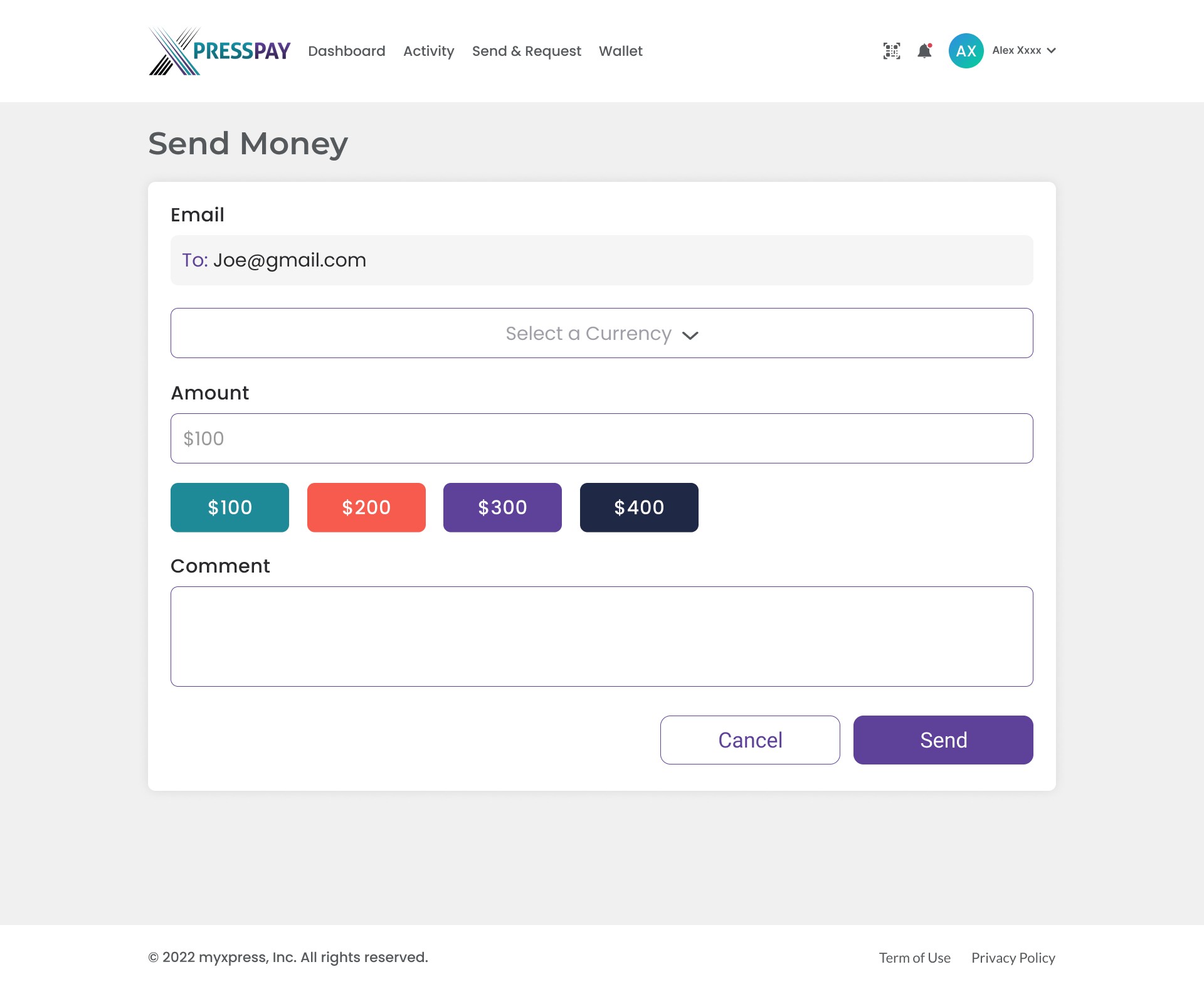
I created wireframes for key screens across the wallet platform, focusing on layout, information hierarchy, navigation, and core interactions. I used these wireframes to explore and refine the structure of the main workflows before moving into the final UI design.



Visual Design
I developed a consistent visual direction for the XPress Wallet web experience, focusing on clarity, accessibility, and a professional financial product feel. I defined reusable UI patterns, typography, colors, buttons, and form styles to keep the experience consistent across the main workflows.
Prototyping
I created interactive prototypes in Figma to review the main wallet workflows and interactions before development. The prototypes helped communicate screen behavior and user flows with the CTO and development team.
Iterations & Refinements
I refined the designs based on stakeholder and development feedback, focusing on clearer layouts, consistent components, and simpler interactions across the main wallet workflows.

Final Design
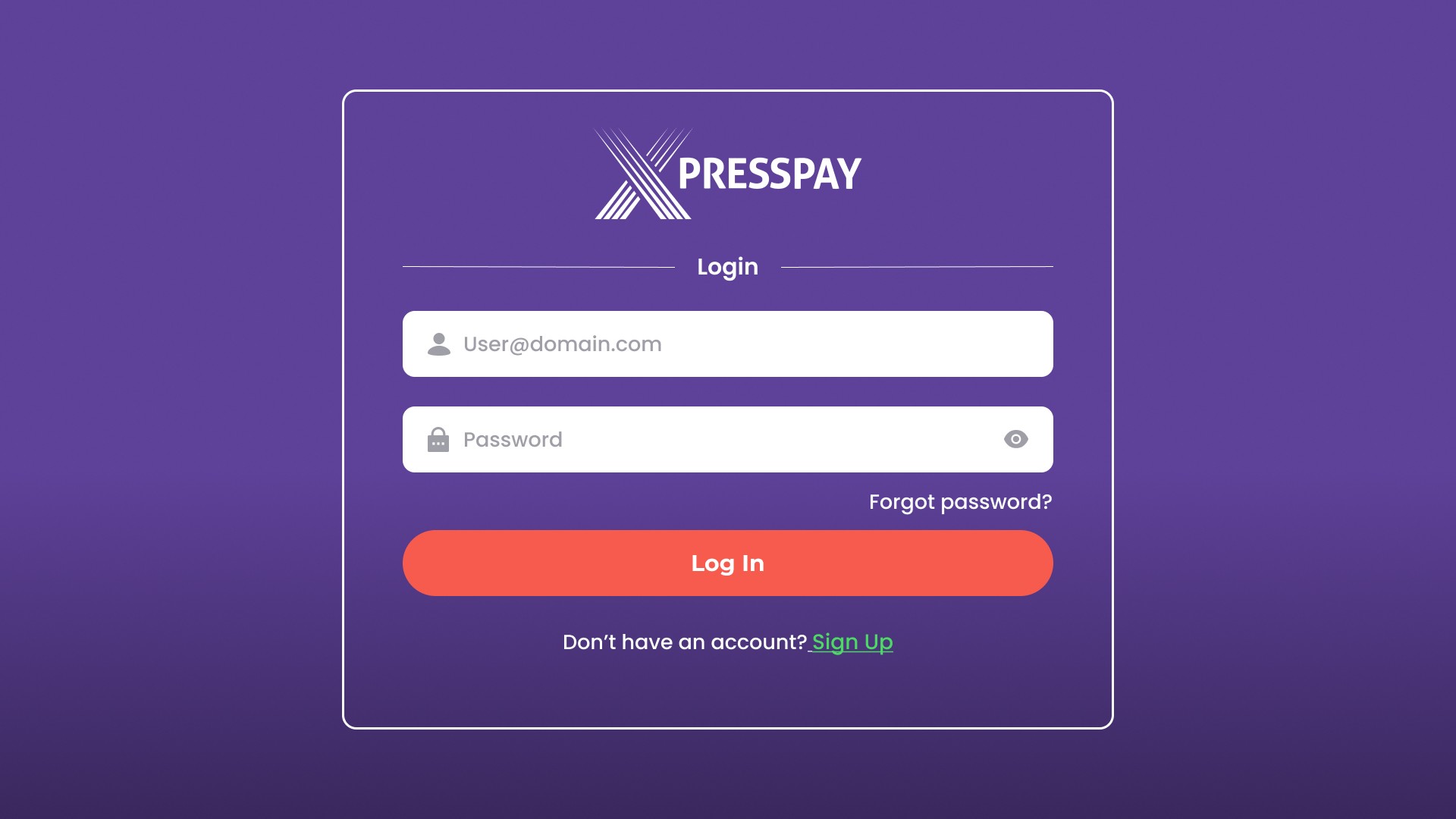
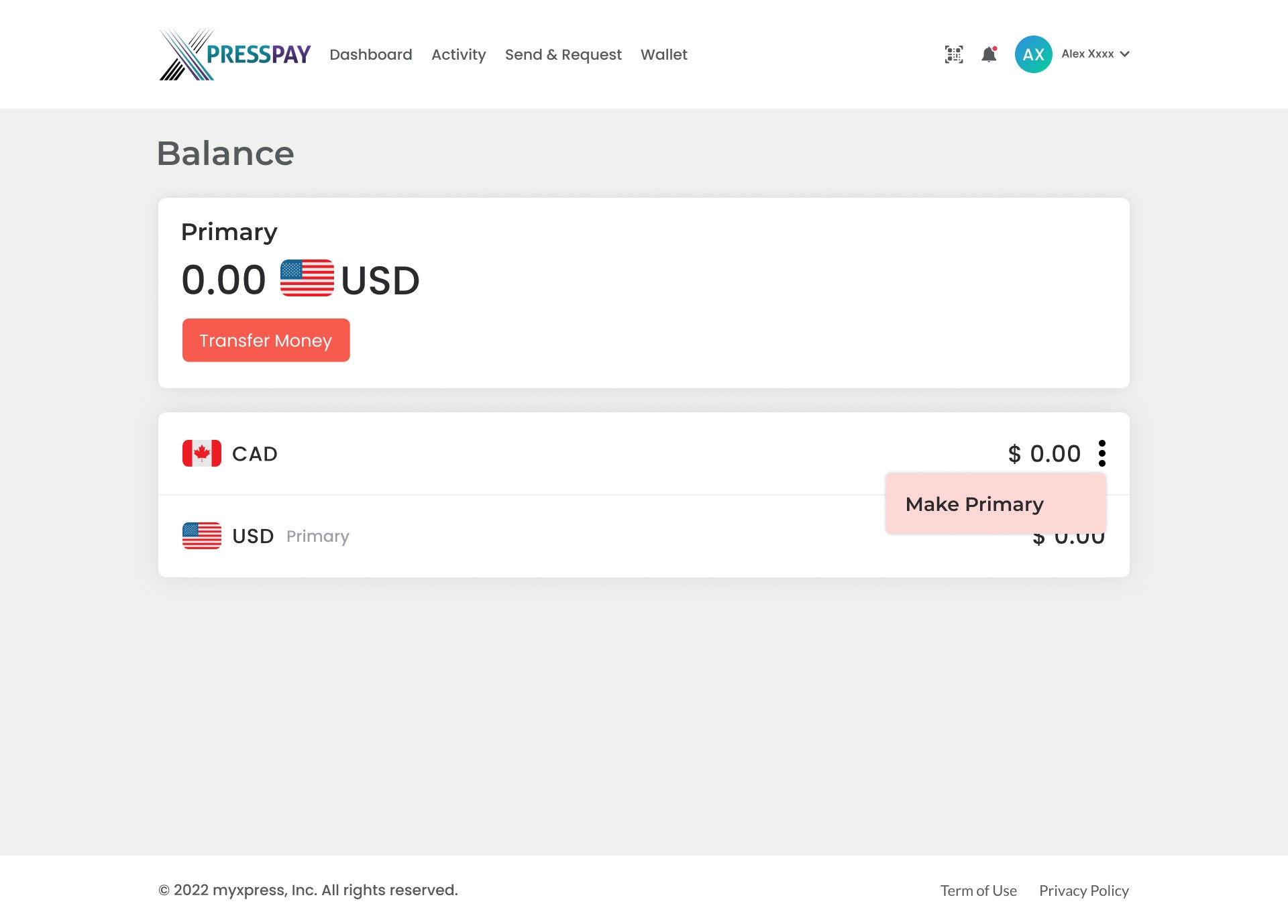
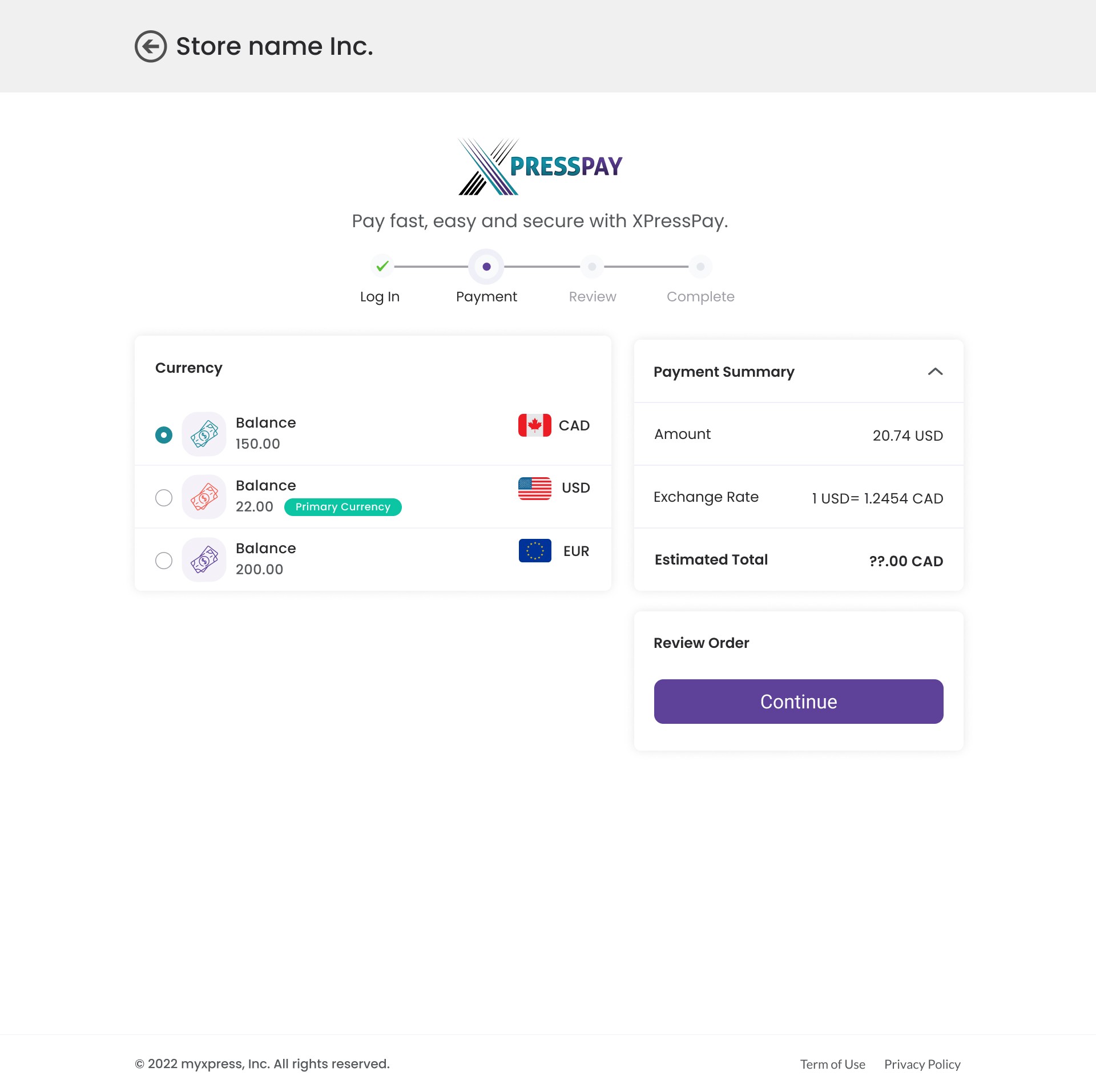
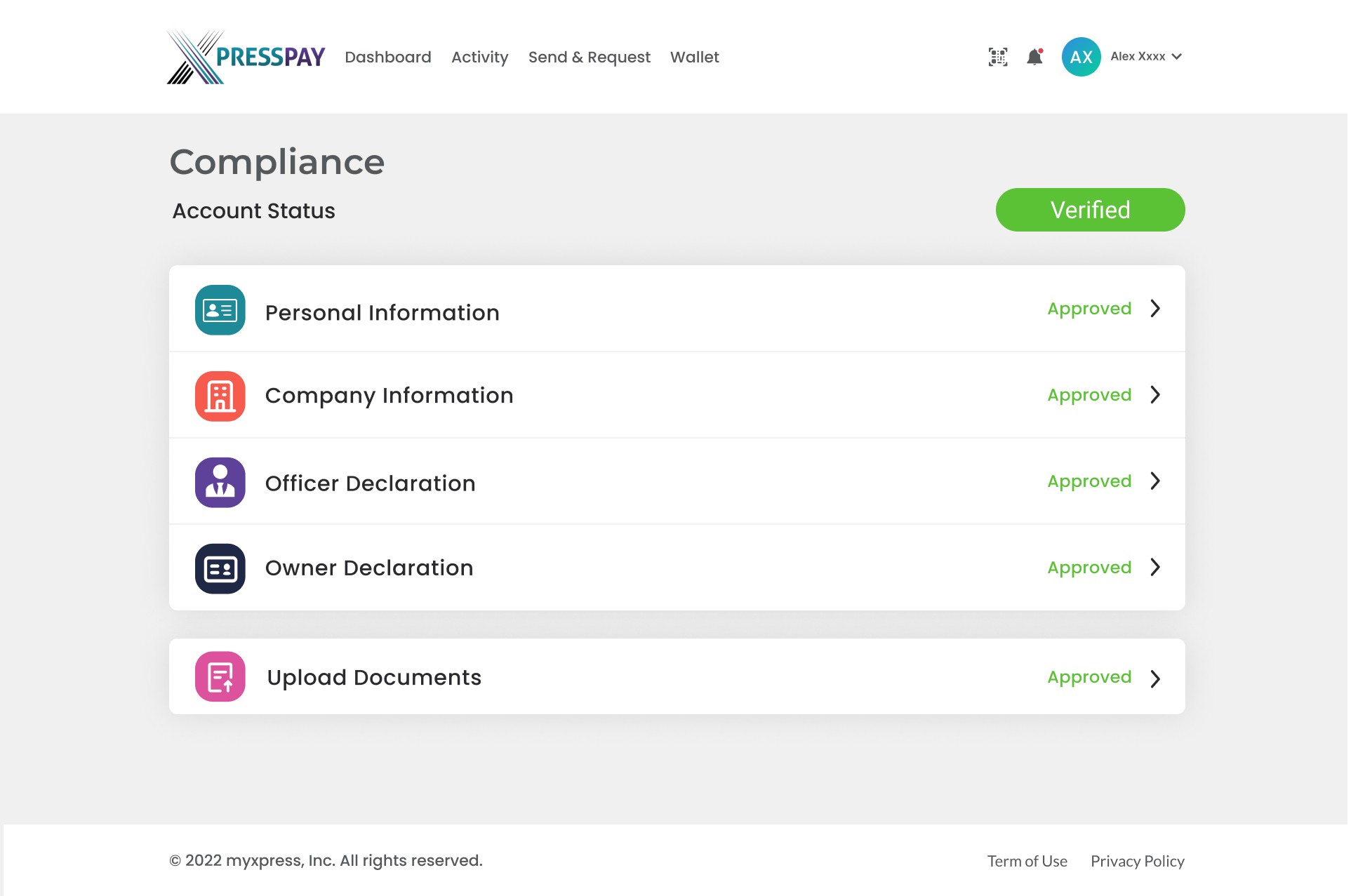
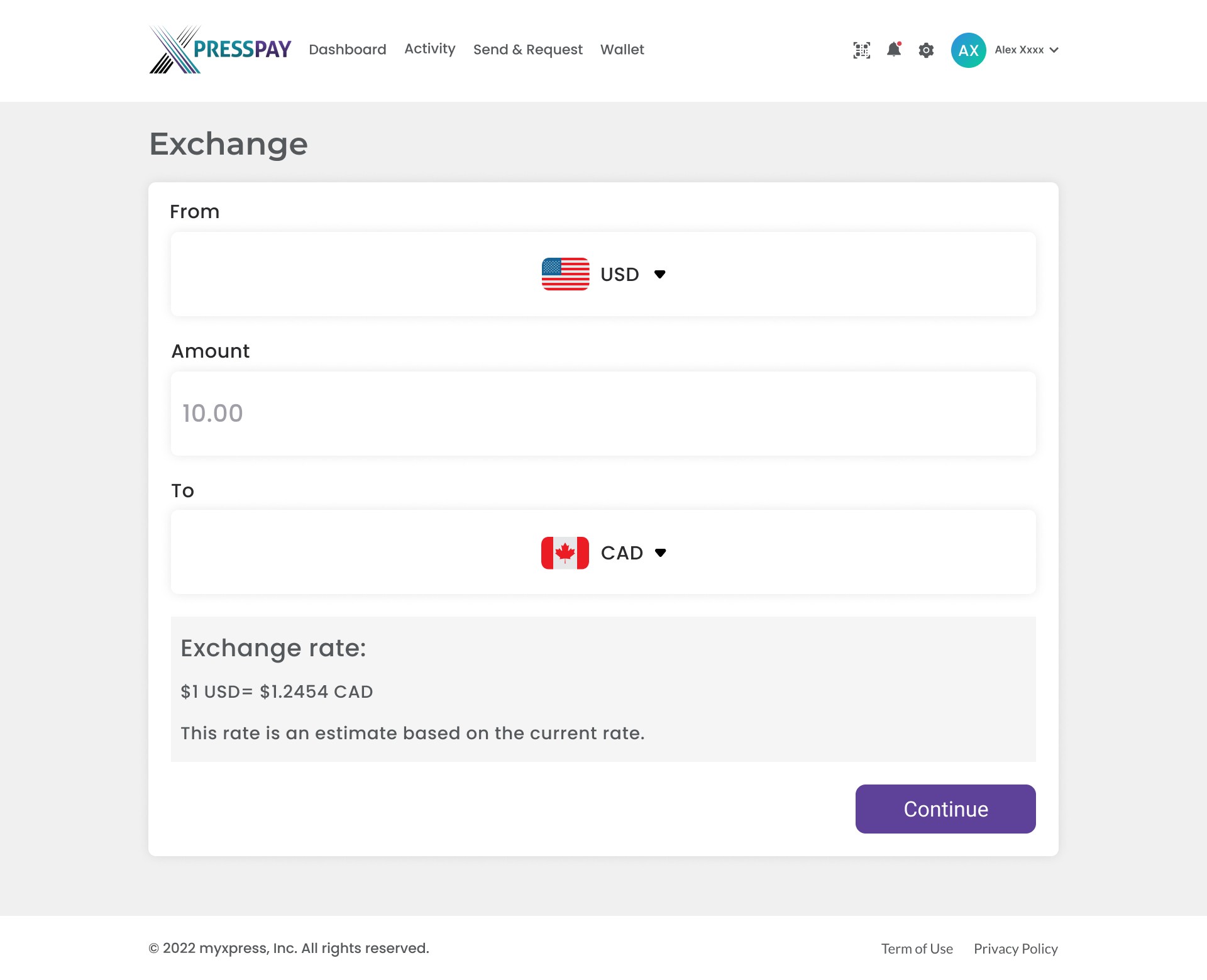
The final design brings together the main XPress Wallet workflows in a clear and consistent web experience. The design focuses on simple navigation, organized information, and clear interactions across dashboard, account management, transactions, money transfers, and settings.




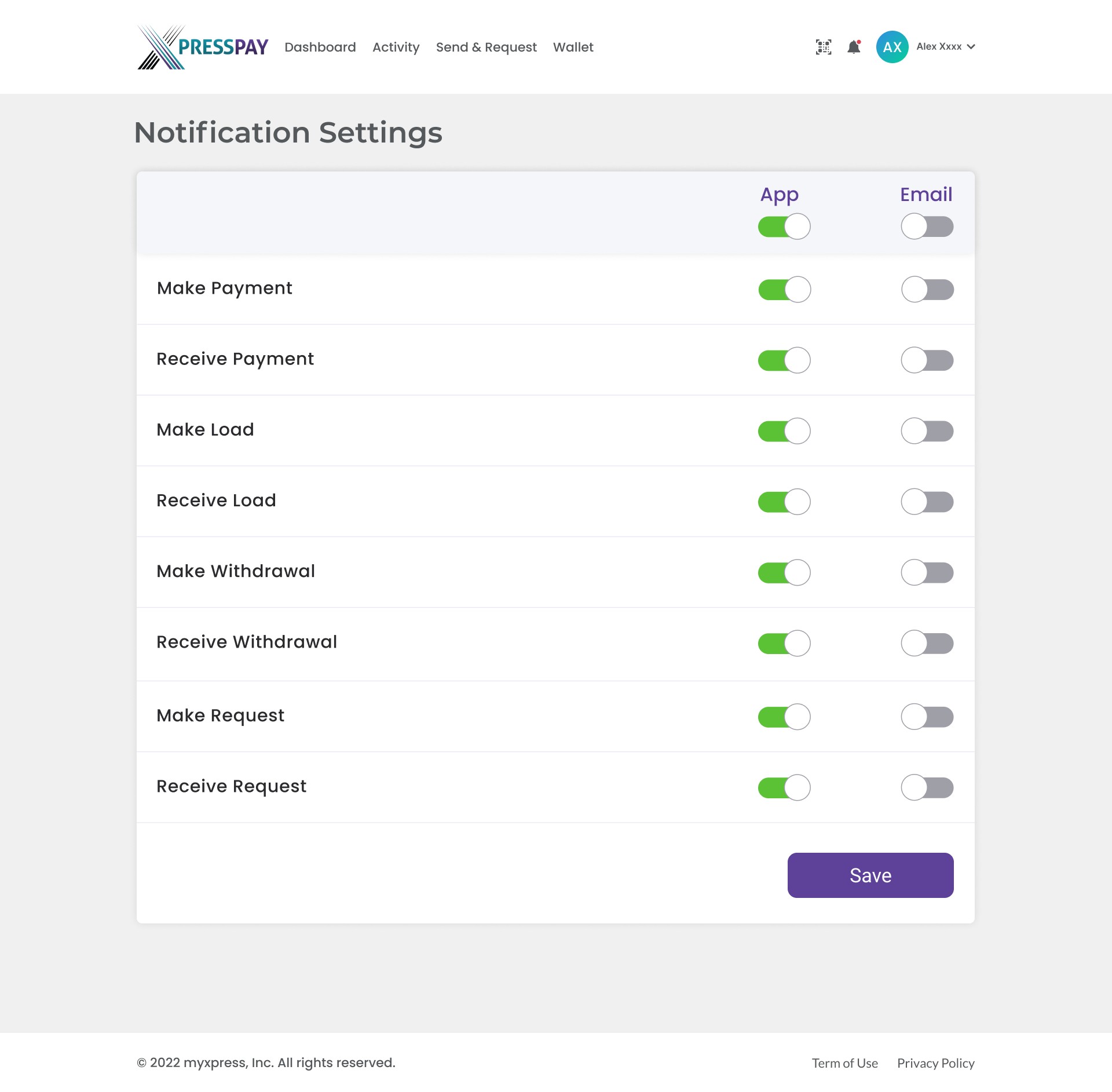
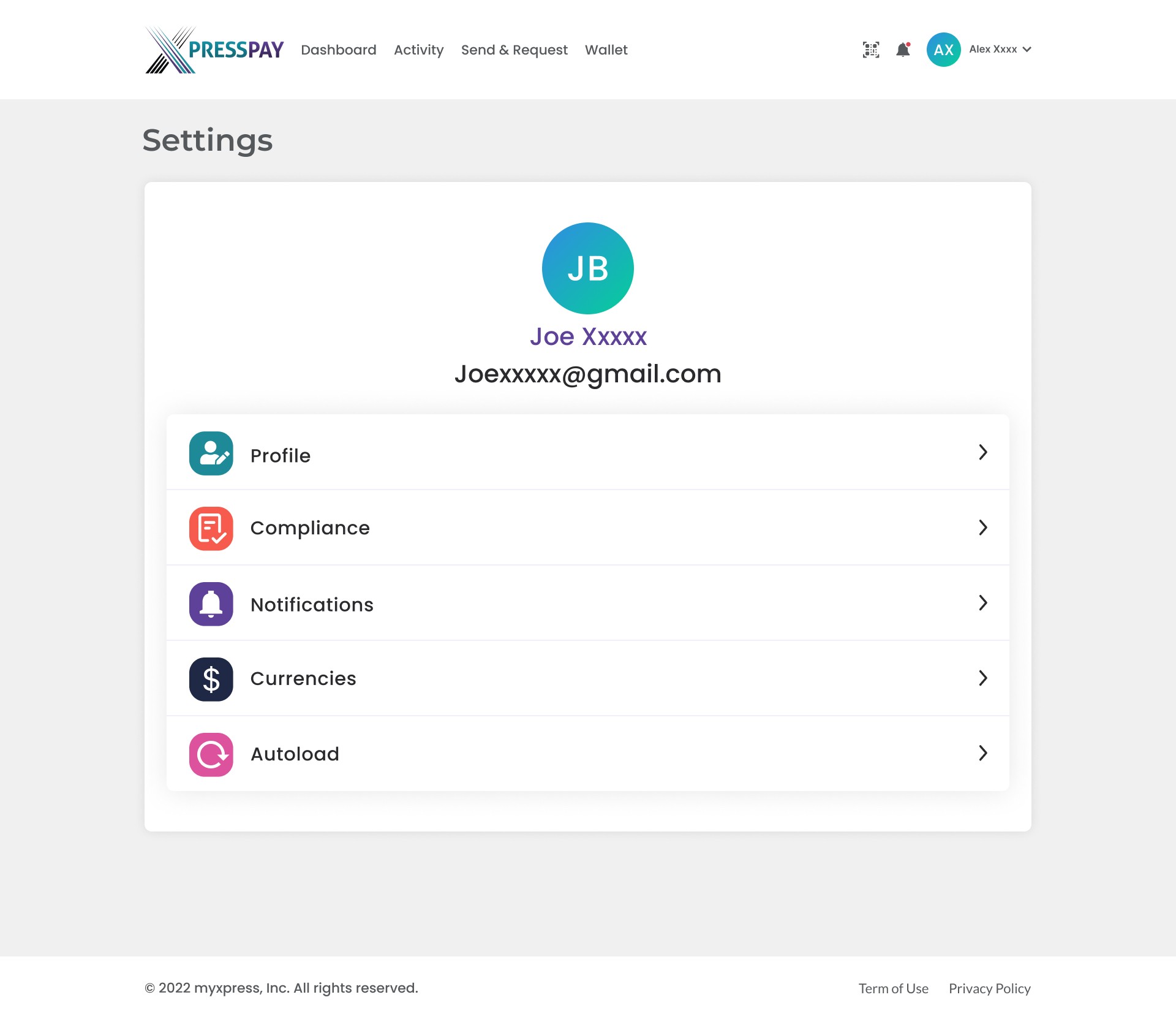
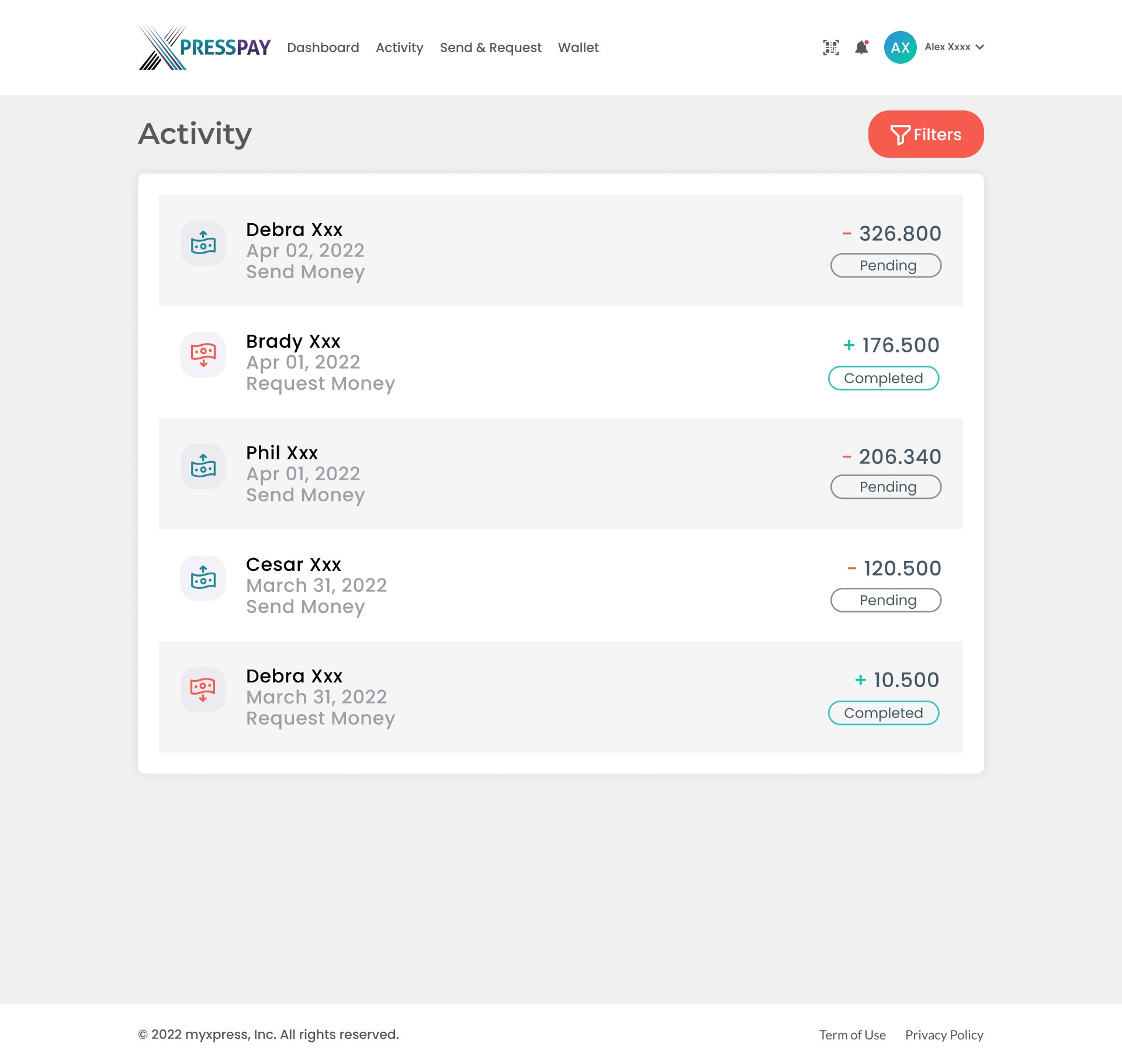
Impact
The redesign created a clearer and more consistent experience across the main XPress Wallet workflows. It improved navigation, information organization, and consistency across dashboard, transactions, transfers, account management, and settings.
Lessons Learned
• Designing a complex wallet platform requires clear navigation and a consistent structure across different workflows
• Reusable components and consistent UI patterns help maintain a cohesive experience across the product
• Clear information hierarchy is especially important when working with transactions, accounts, and financial data
• Working closely with the CTO and development team helped me balance user needs with technical and business requirements
Next Steps
• Continue refining the main wallet workflows based on stakeholder and user feedback
• Improve consistency across responsive web experiences
• Further refine transaction, transfer, and account-management workflows
• Validate the key workflows through usability testing and user feedback

